What Exactly Is a Design System?
Why Invest in a Design System? Key Benefits
The Evolution of Design Systems: Not a New Idea
Design Systems vs. Pattern Libraries and Style Guides
Hosting and Accessibility: Where Does a Design System Reside?
Who Oversees and Maintains a Design System?
Step-by-Step: How to Build Your Own Design System
Essential Tools for Building and Managing Design Systems
Addressing Common Challenges: From Hand-Offs to Component-Based Thinking
The Ongoing Journey: Evolving Your Design System
Subscribe to stay informed about our latest work, projects and studio news.
Mastering Design Systems: The Ultimate Guide for Scalable Digital Products
Alex Tyshchenko
Designer
29 August 2025
Release
8 min read
Reading time
In today's fast-paced digital world, where user experiences define success, design systems have emerged as a cornerstone for efficient product development. Whether you're a startup scaling your app or an enterprise managing multiple platforms, understanding design systems can transform how your teams collaborate and innovate. This comprehensive guide explores what a design system is, its key advantages, historical context, distinctions from related concepts, implementation strategies, and real-world examples to help you build one that drives consistency and growth.
What Exactly Is a Design System?
At its core, a design system is a centralized repository of reusable UI elements, guided by core principles and a unified user experience (UX) framework. It includes everything from buttons and forms to icons and navigation patterns, all documented with usage rules to ensure seamless integration across projects.
Imagine it as a modular toolkit—similar to building blocks—allowing designers and developers to assemble interfaces quickly without reinventing the wheel. This approach fosters efficiency, as teams can mix and match components to prototype, iterate, or launch features at scale.
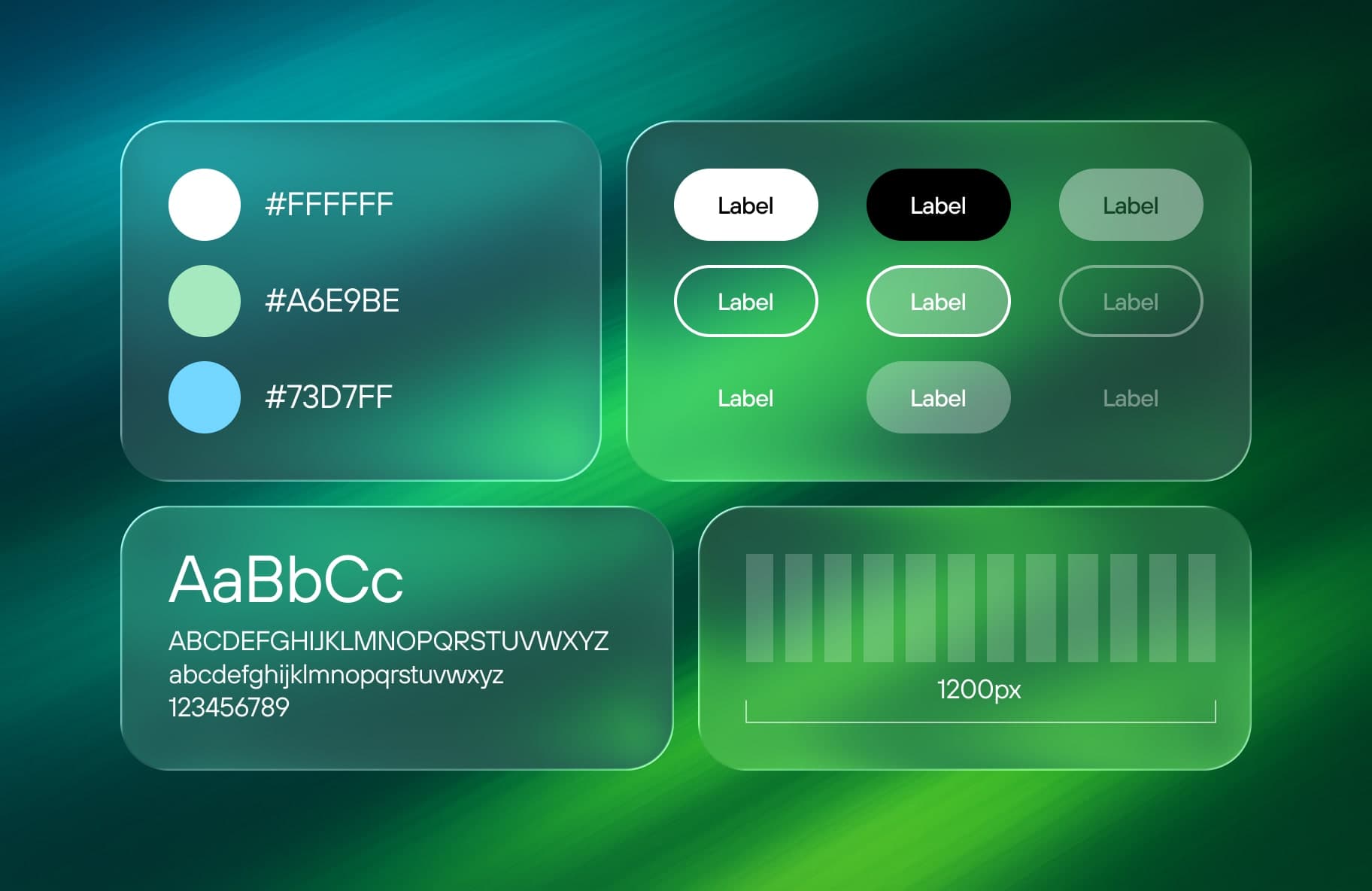
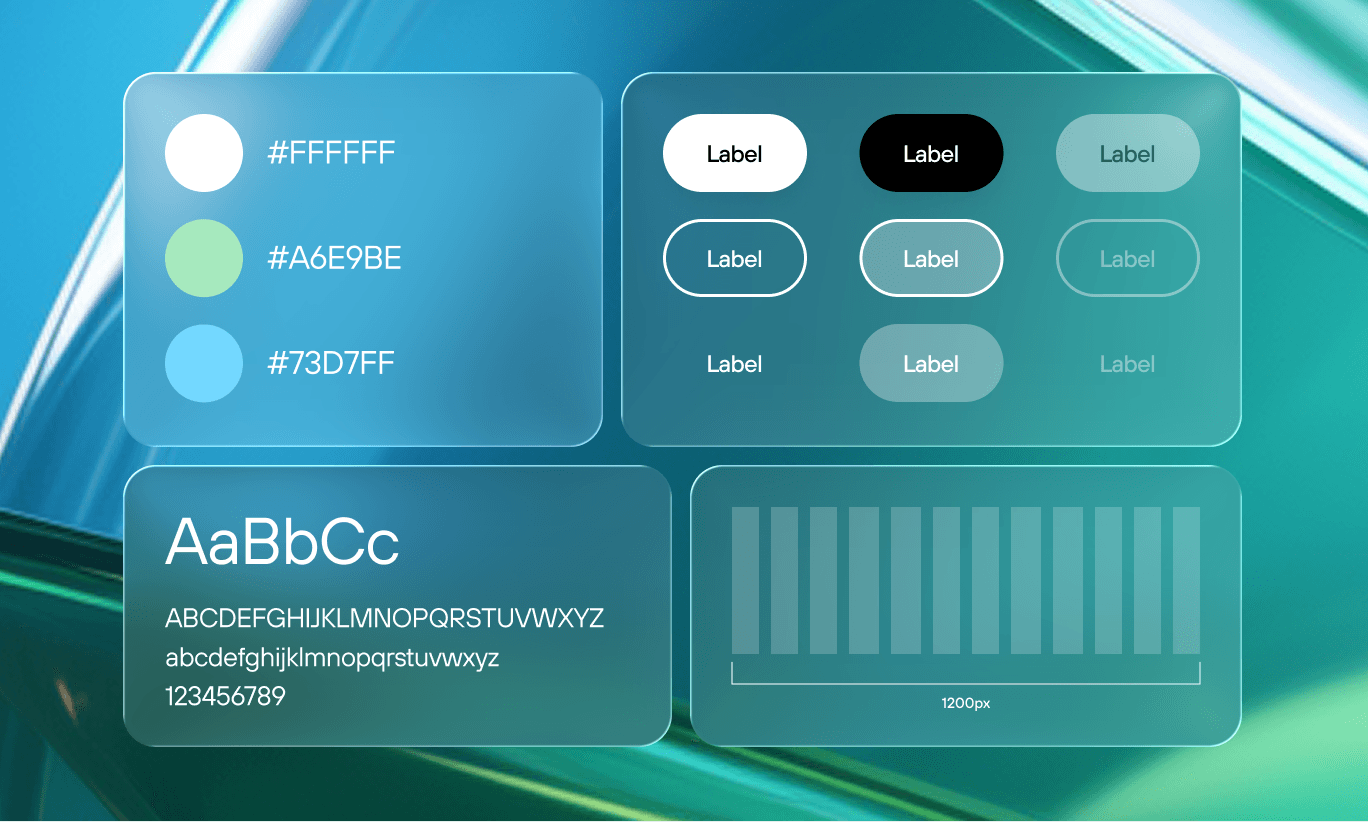
Design systems typically encompass a style guide outlining visual standards like color palettes, typography hierarchies, spacing rules, and grid systems. By serving as a "single source of truth," they align everyone in the organization, from designers to stakeholders, reducing miscommunication and redundant work.
As design expert Nathan Curtis aptly puts it, "A design system isn't a project. It's a product serving products." This mindset shifts it from a one-time effort to an ongoing asset that evolves with your brand.
Why Invest in a Design System? Key Benefits
Adopting a design system yields substantial rewards for organizations of all sizes. Primarily, it enforces visual and functional consistency across apps, websites, and devices, even in large teams with distributed contributors. This uniformity enhances user trust and brand recognition while minimizing errors in multi-designer environments.
On the operational side, design systems streamline workflows by eliminating the hunt for scattered assets or outdated specs. Surveys, such as one from InVision, reveal that 90% of users save at least an hour weekly, with half reporting over six hours in gains. This translates to cost savings, as teams avoid repetitive tasks and focus on high-impact innovations like solving complex UX challenges.
Moreover, in decentralized setups, design systems cut down on "busywork," boosting productivity and morale. They act as a bridge between design and development, ensuring faster handoffs and fewer revisions, ultimately accelerating time-to-market for new features.
The Evolution of Design Systems: Not a New Idea
Design systems aren't a modern invention; their roots trace back to early style guides. For instance, NASA's 1975 graphics standards manual provided unified branding guidelines, setting a precedent for consistency in visual communication.
What's evolved is the "atomic" methodology, breaking interfaces into granular, responsive components adaptable to various devices and screen sizes. Modern tools enable dynamic updates via cloud-based platforms, turning static documents into living ecosystems that teams can edit in real-time.
This shift reflects broader industry trends toward agility, where design systems support iterative development in agile environments.
Design Systems vs. Pattern Libraries and Style Guides
It's common to confuse these terms, but they differ in scope and application. Style guides are primarily static references for branding elements like logos, colors, and fonts, often aimed at marketing or design teams.
Pattern libraries focus on reusable UI patterns, such as dropdowns or cards, mainly for UX and development teams to implement consistent interactions.
A design system integrates both, adding layers like design principles, code snippets, toolkits, and real-world examples. It's dynamic and collaborative, often linking directly to production code for developers. As Alla Kholmatova notes in her book on design systems, "Without a shared design language and practices, collaboration is difficult." This holistic approach makes design systems indispensable for cross-functional teams.
Hosting and Accessibility: Where Does a Design System Reside?
Most design systems are hosted online via secure web portals, ensuring easy access for remote teams. Some integrate directly into design software, allowing seamless pulls of components during workflows.
Organizations may opt for self-hosted solutions for customization, though this demands developer resources. Alternatively, third-party platforms offer ready-made infrastructure, reducing overhead while providing features like version control and permissions.
Who Oversees and Maintains a Design System?
Ownership often falls to the design team, but in tech-heavy companies, front-end developers may lead, especially for code integration. Mature organizations dedicate roles—sometimes partial—to curation, ensuring updates align with product evolution.
Remember, design systems are perpetual; they're refined as new patterns emerge. Starting with shared principles helps sustain a cohesive language, preventing fragmentation over time.
As Drew Bridewell from InVision emphasizes, "A design system acts as the connective tissue that holds together your entire platform."
Step-by-Step: How to Build Your Own Design System
Begin with a thorough audit: Review all interfaces across devices, cataloging UI elements, colors, fonts, and layouts. This reveals inconsistencies—like multiple button variants or redundant shades—and highlights opportunities for standardization.
Prioritize core components, agree on standards, and document them. Eliminate outliers to create a streamlined library.
Next, establish governance: Define contribution processes to keep it evolving without chaos.
Essential Tools for Building and Managing Design Systems
A variety of platforms simplify creation:
- InVision DSM: Drag-and-drop management with Sketch integration, version history, and search.
- Figma: Cloud-based libraries for components, tokens, and code handoff; accessible via app or web.
- Axure: Shared libraries with cloud publishing; imports from Figma/Sketch.
- Sketch: Component libraries, though style guides may need separate files.
- Adobe XD: Shared assets including colors/fonts; requires XD access.
- Zeroheight: Web hub for documentation, integrating with major design tools.
Addressing Common Challenges: From Hand-Offs to Component-Based Thinking
Traditional page-based design often leads to silos, delays, and inconsistencies. Developers get blocked on updates, decisions lack context, and maintenance spirals.
Shifting to component-based design—via atomic principles—breaks this cycle. Designers use symbols; developers leverage frameworks like React. This alignment reduces duplication and fosters collaboration.
Every small improvement compounds into significant growth over time.
A full design system includes a design language (tokens), UI kit, component library, sandbox for testing, documentation, and governance. In practice, it unifies teams, speeds iterations, and lets designers focus on user flows over pixels.
The Ongoing Journey: Evolving Your Design System
Like any product, a design system matures over time. New needs arise, requiring adaptable processes. By investing here, teams break silos, share innovations, and prioritize impactful UX, paving the way for sustainable growth.
In summary, embracing a design system isn't just about tools—it's a cultural shift toward efficiency and excellence in digital product design. Start small, audit your current setup, and watch your team's productivity soar.
Subscribe to stay informed about our latest work, projects and studio news.